
Email notifications for new leads
Get emailed when someone submits a form on your live site.
Where to find it in Launchmiga
Admin > Company or site notification settings (varies by plan).
Why email notifications for new leads matters
Get emailed when someone submits a form on your live site. For a gym, yoga studio, pilates studio, personal trainer, CrossFit box, or other fitness business, this task is part of the full website conversion path: visitors need to understand the offer, trust the business, and know exactly what to do next. Use this page as a practical manual, not just a quick checklist. The workflow lives in Admin > Company or site notification settings (varies by plan).. When you update this part of the site, also check the mobile version, the primary CTA, the live visitor experience, and whether the page still supports your main goal: trial requests, intro class bookings, contact messages, or membership enquiries.
SEO, clarity, and conversion best practices
Keep the visible copy specific and searchable. Use plain phrases your customers would type into Google, such as gym in [city], yoga studio [city], personal trainer [city], pilates classes, trial class, membership prices, class schedule, beginner friendly training, or local fitness coaching. Relevant internal search tags for this guide include: email, notification, alert, new lead. After you make the change, review the surrounding page. The visitor should see a clear headline, supporting proof, useful details, and a next step. For this workflow, focus on Verify company email, Test with a live submit, Know what spam looks like and Waitlist confirmation uses your site look. If the task changes what appears on a published page, publish again and test the live URL in a fresh browser tab.
- 1
Verify company email
Set the notification address in Admin > Company profile. Practical example 1: for a trial form, ask for name, email, phone, and preferred training goal. Keep the form short because mobile visitors abandon long forms faster. When you finish this step, read the page as a visitor who searched for a local fitness solution. The copy should answer what this is, who it is for, why it is trustworthy, and what to do next.
- 2
Test with a live submit
Submit a test on the published site and confirm the inbox receives it. Practical example 2: for a trial form, ask for name, email, phone, and preferred training goal. Keep the form short because mobile visitors abandon long forms faster. When you finish this step, read the page as a visitor who searched for a local fitness solution. The copy should answer what this is, who it is for, why it is trustworthy, and what to do next.
- 3
Know what spam looks like
Launchmiga scores each submit on the server. Obvious junk (throwaway inboxes, promo copy, bot clients) is stored as spam and does not email you. Real trial requests still arrive as a branded notification with a button to your inbox. Open Admin > Forms and the Spam filter if you think a real lead was held back. Practical example 3: for a trial form, ask for name, email, phone, and preferred training goal. Keep the form short because mobile visitors abandon long forms faster. When you finish this step, read the page as a visitor who searched for a local fitness solution. The copy should answer what this is, who it is for, why it is trustworthy, and what to do next.
- 4
Waitlist confirmation uses your site look
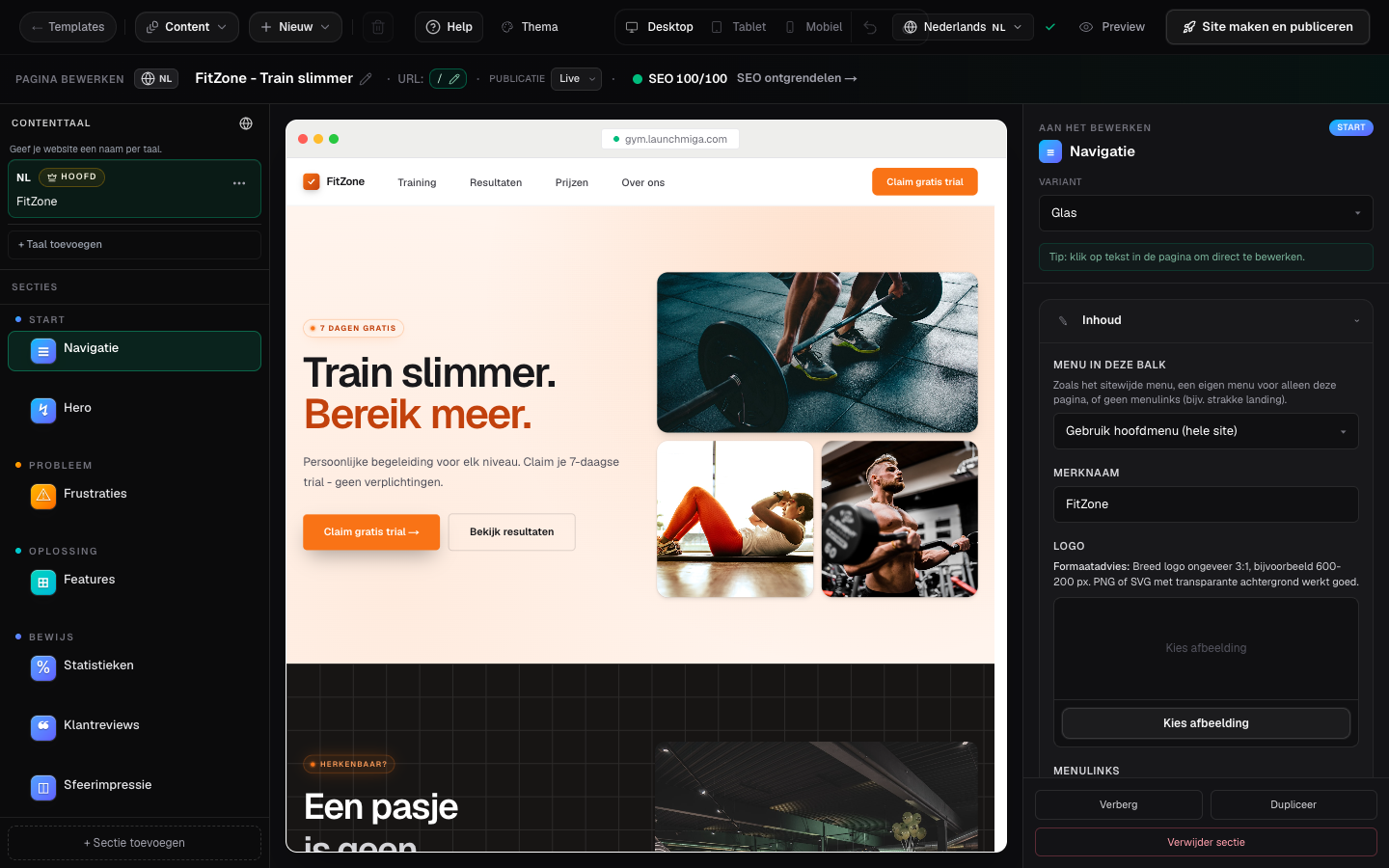
When someone joins a waitlist, they get a confirmation email automatically. That mail uses your studio name, navigation logo, and theme colors - not the Launchmiga logo. Keep a logo on your navigation so the email matches your live site. Practical example 4: for a trial form, ask for name, email, phone, and preferred training goal. Keep the form short because mobile visitors abandon long forms faster. When you finish this step, read the page as a visitor who searched for a local fitness solution. The copy should answer what this is, who it is for, why it is trustworthy, and what to do next.