Website for a CrossFit box
A CrossFit box website manual for local SEO, fundamentals programs, community proof, and intro session leads.
Where to find it in Launchmiga
Gym / strength templates in the gallery.
Make CrossFit approachable for beginners
CrossFit and functional fitness websites need energy, but they also need reassurance. Many visitors search for "CrossFit near me", "CrossFit beginners", "functional fitness [city]", "strength and conditioning [city]", or "CrossFit fundamentals" while wondering whether the training is too advanced for them. Explain your fundamentals program, coaching standards, scaling options, and community culture. Use photos of real members, not only elite athletes. Add testimonials from beginners, returning athletes, and people who joined for health or confidence rather than competition.
Best sections for a box website
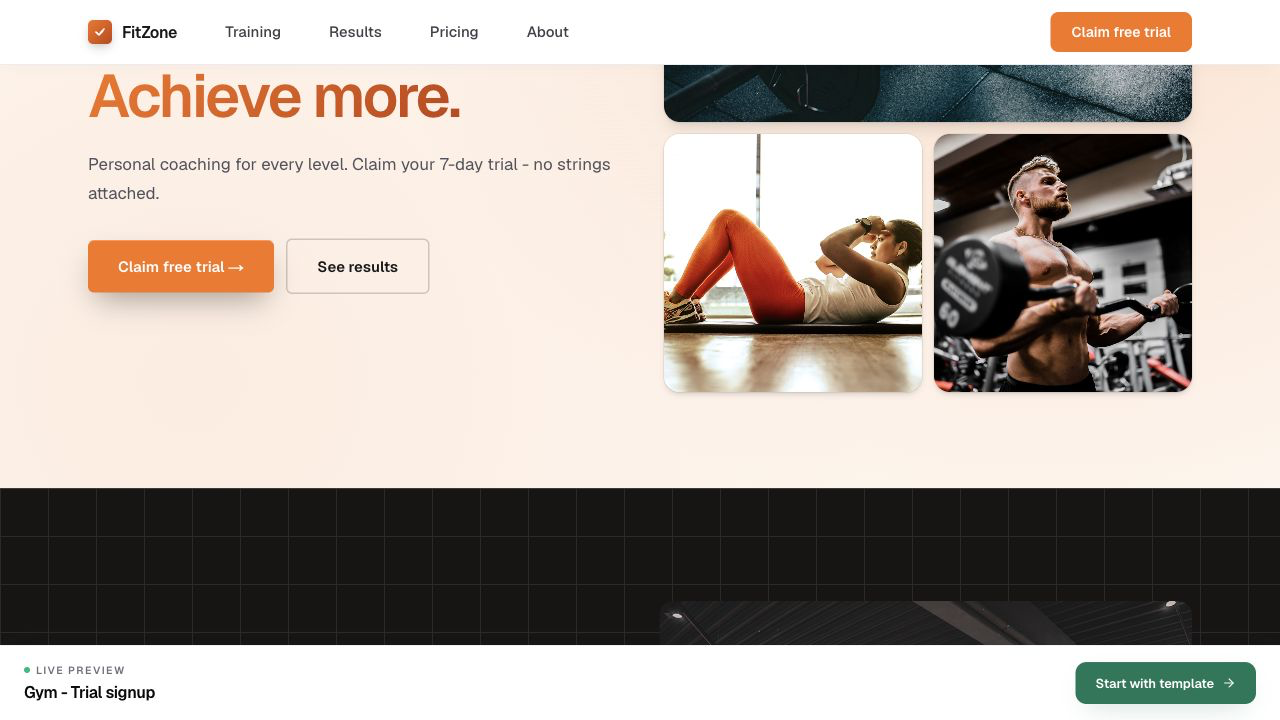
A CrossFit box website should usually include a strong hero, fundamentals explanation, coach proof, schedule or class types, membership options, beginner FAQ, testimonials, and a trial or intro session form. The page should make intensity feel exciting but not exclusive. For SEO, create separate copy for CrossFit, functional fitness, strength training, conditioning, and beginner onboarding when those are real offers. Link blog posts about first classes, scaling workouts, and what to expect back to the intro session CTA.
- 1
Show community proof
Stats and testimonials sections work well for box culture. Practical example 1: a personal trainer page needs different proof than a yoga studio. Choose keywords, testimonials, and CTAs that fit the business type. When you finish this step, read the page as a visitor who searched for a local fitness solution. The copy should answer what this is, who it is for, why it is trustworthy, and what to do next.